# API Key Configuration

To configure your API key you should follow the instructions below:

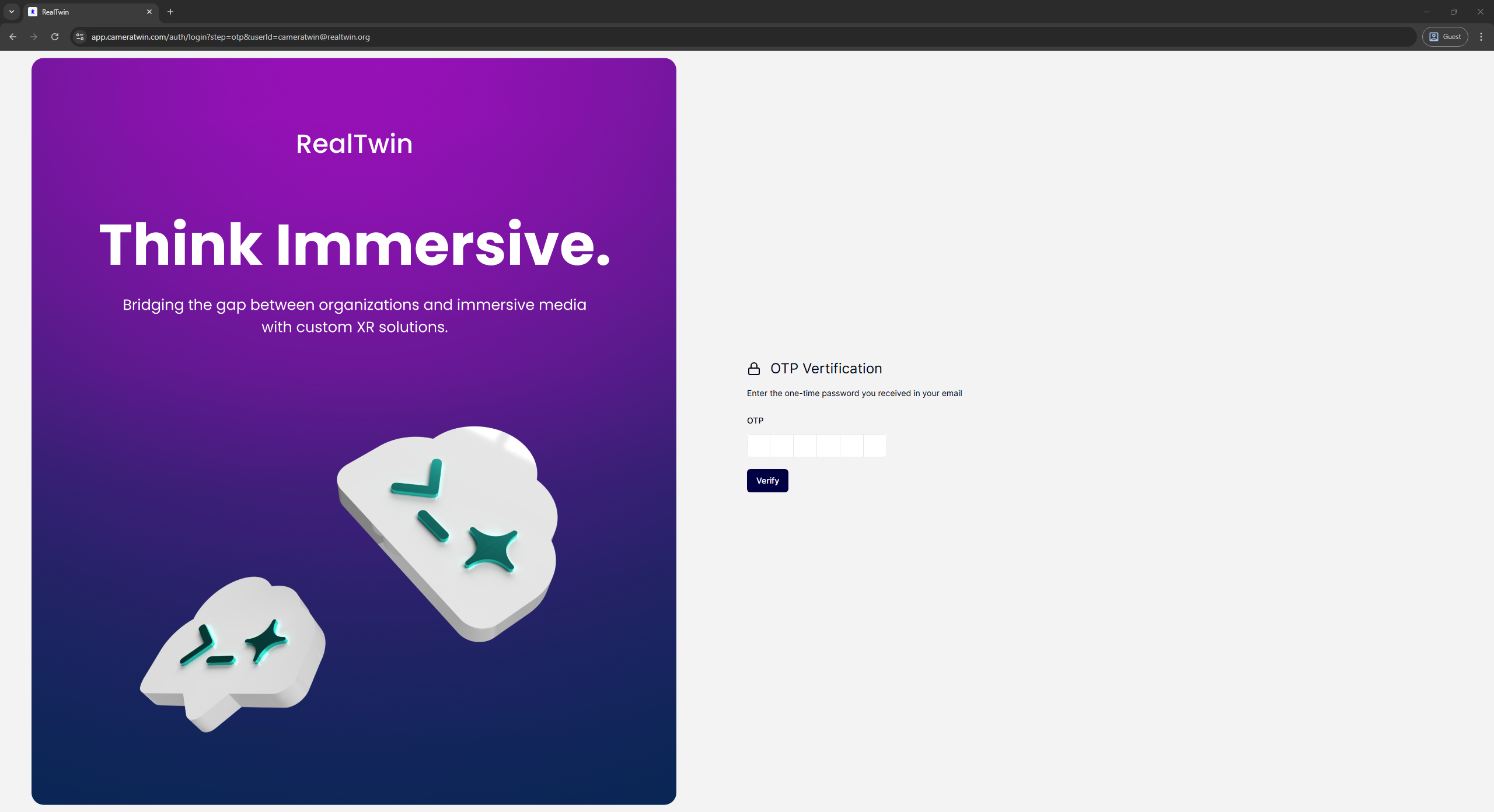
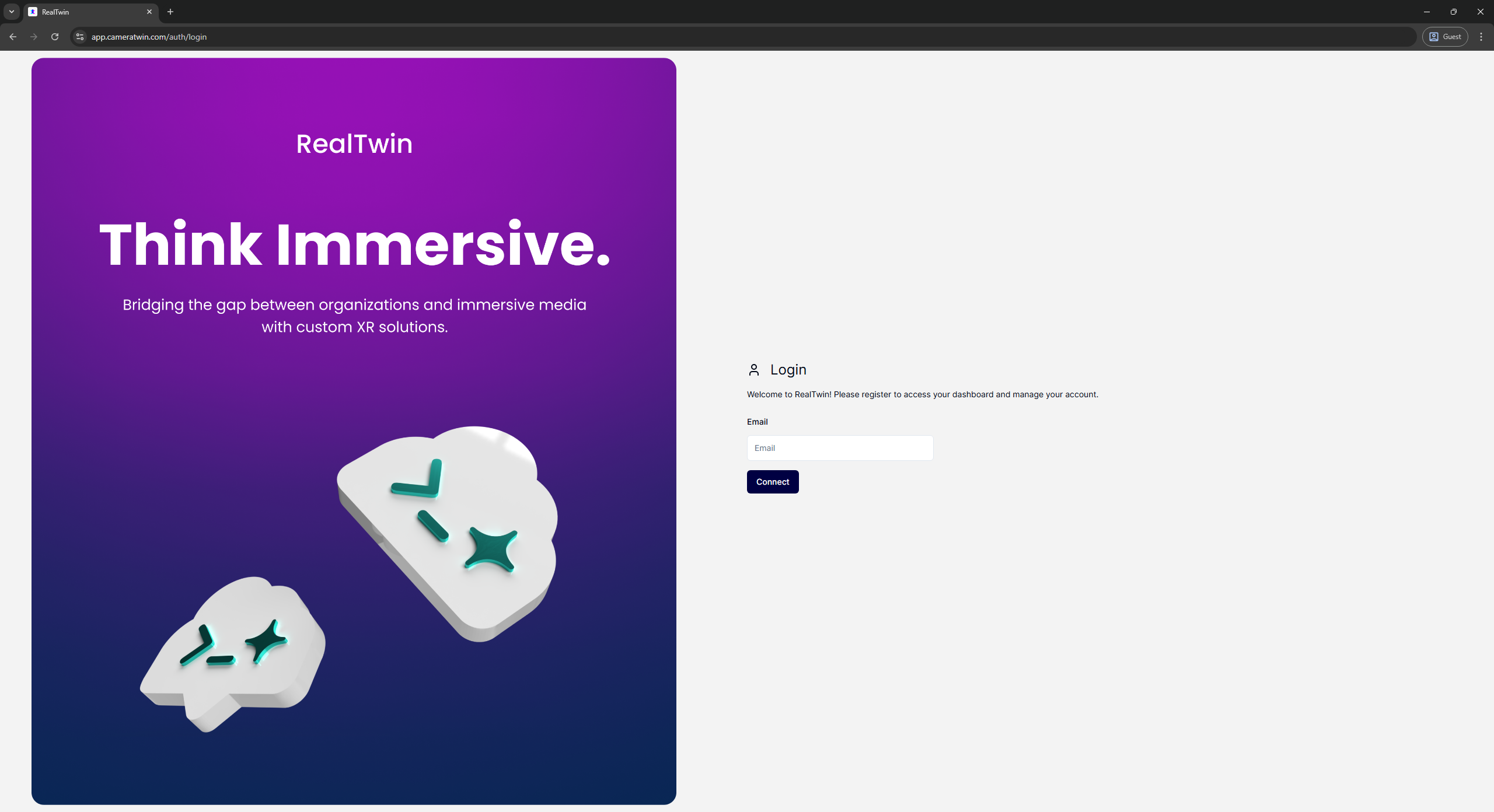
### Step 1: Sign in to the [CameraTwin Dashboard](https://app.cameratwin.com/)

<figure><img src="https://3763251240-files.gitbook.io/~/files/v0/b/gitbook-x-prod.appspot.com/o/spaces%2F9BAa74uZVvvtnO0Rq9Vh%2Fuploads%2Fgit-blob-47dcf144e5ba6eb44c32364251a5b5b51256eb94%2FCT_Dashboard_SignIn.png?alt=media" alt=""><figcaption></figcaption></figure>

After entering your email address you will receive an email with your One-Time-Password (OTP). You should use this code in the following screen in order to login, no other password is required.

<figure><img src="https://3763251240-files.gitbook.io/~/files/v0/b/gitbook-x-prod.appspot.com/o/spaces%2F9BAa74uZVvvtnO0Rq9Vh%2Fuploads%2Fgit-blob-ac2ad562aae35196bc375ca6a82c7e44129eafea%2FCT_Dashboard_OTP.png?alt=media" alt=""><figcaption></figcaption></figure>

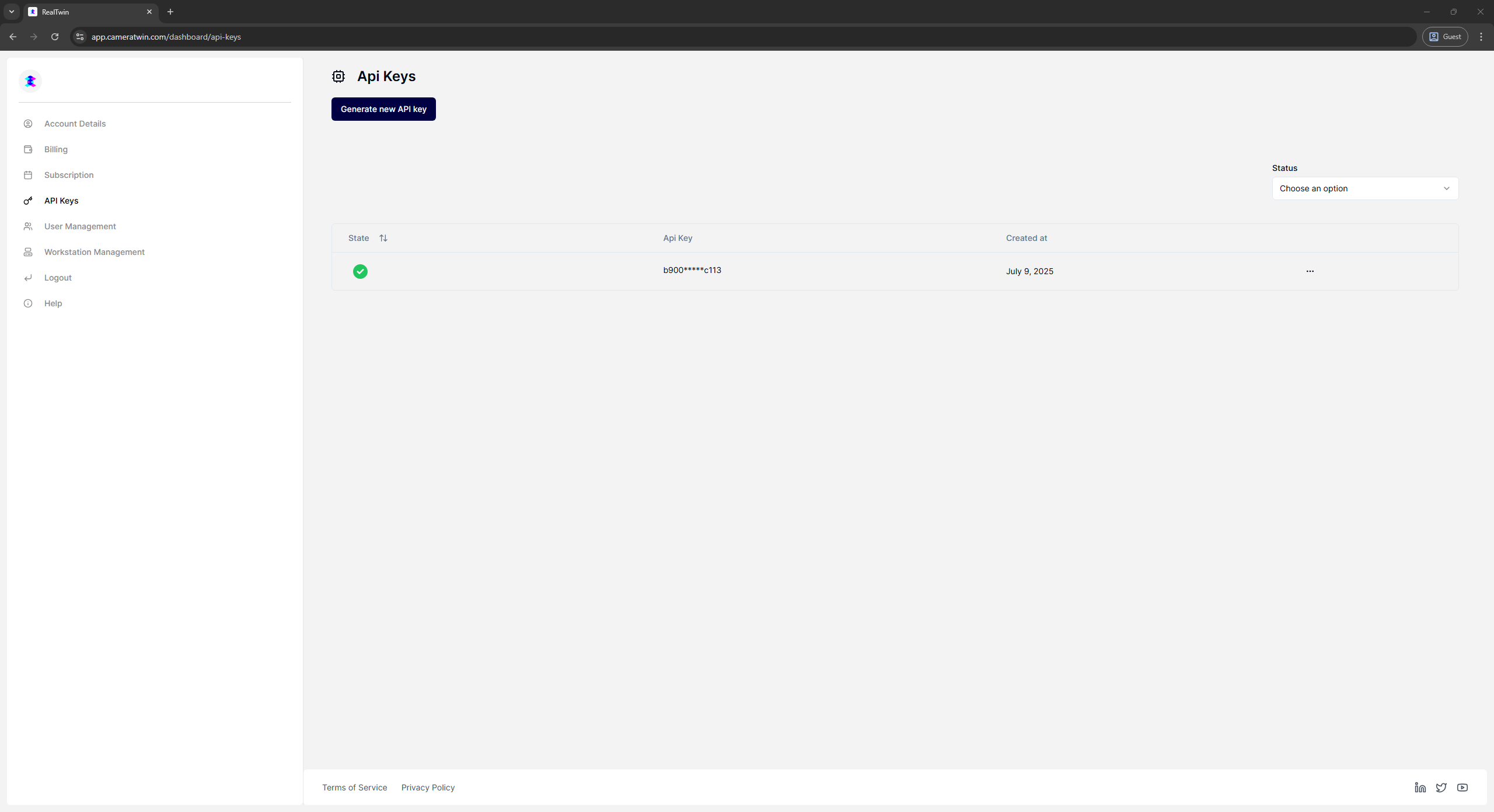
### Step 2: Go to the [API Key Section](https://app.cameratwin.com/dashboard/api-keys)

<figure><img src="https://3763251240-files.gitbook.io/~/files/v0/b/gitbook-x-prod.appspot.com/o/spaces%2F9BAa74uZVvvtnO0Rq9Vh%2Fuploads%2Fgit-blob-0ecbaa886d5e1b9d25167dce2b9c8746123936cb%2FCT_Dashboard_APIKey.png?alt=media" alt=""><figcaption></figcaption></figure>

### Step 3: Acquire the API Key

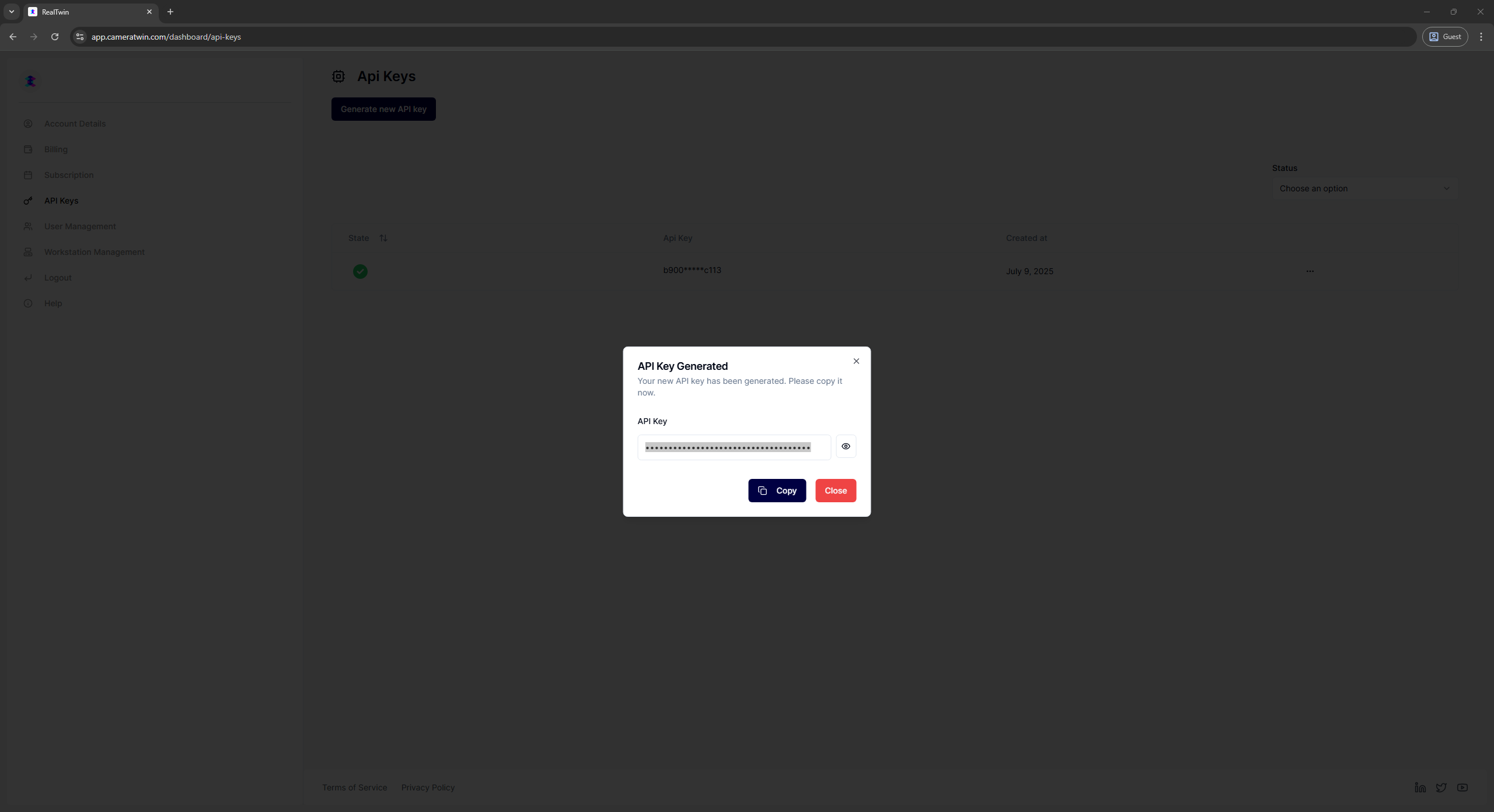
Generate new API key from the button at the top and copy it

<figure><img src="https://3763251240-files.gitbook.io/~/files/v0/b/gitbook-x-prod.appspot.com/o/spaces%2F9BAa74uZVvvtnO0Rq9Vh%2Fuploads%2Fgit-blob-f8da1618072b3ffbc5d0b0b6e6a2f5bafb0b01bb%2FCT_Dashboard_APIKeyGeneration.png?alt=media" alt=""><figcaption></figcaption></figure>

Or

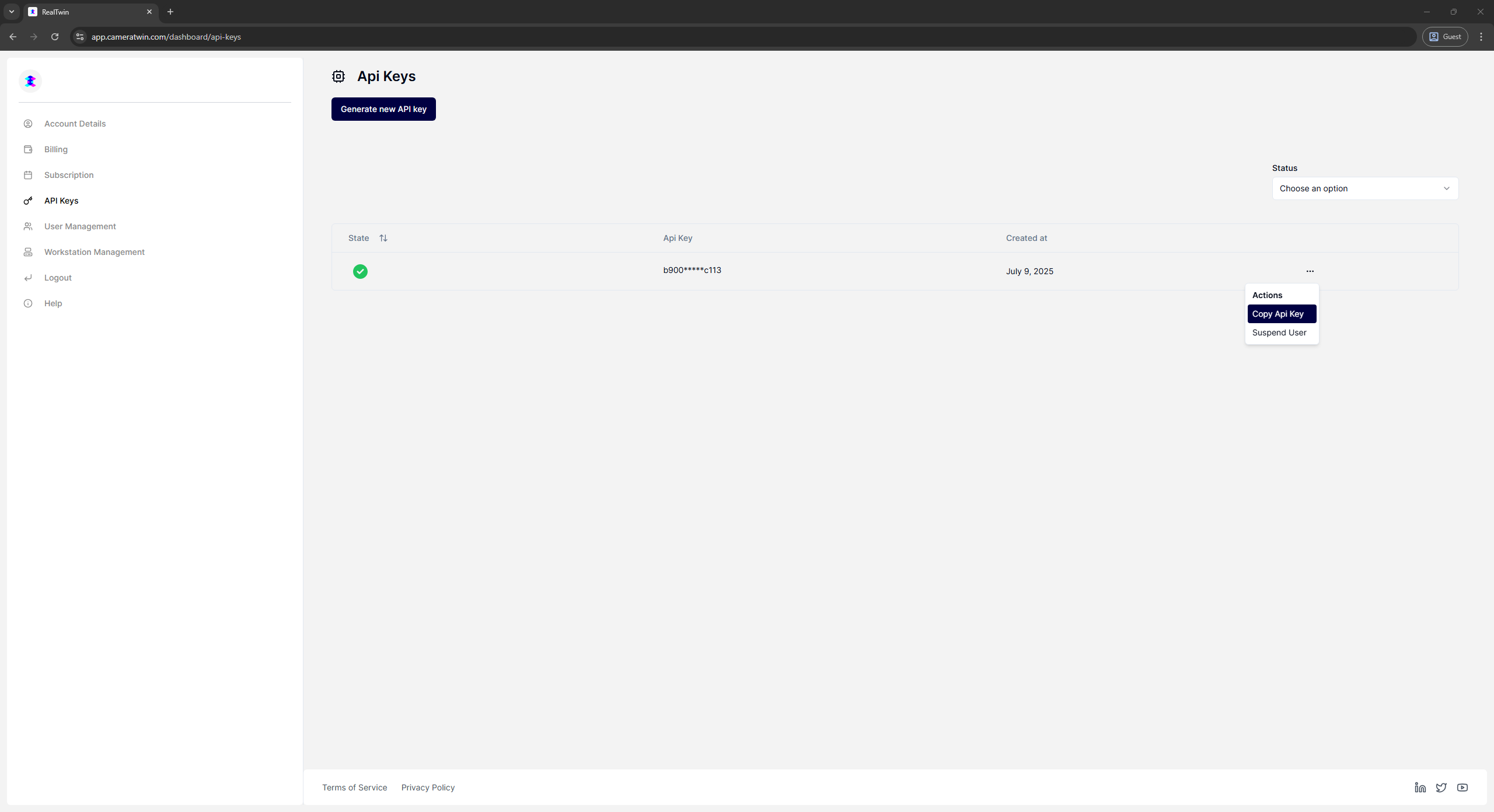
Copy your existing API Key from more options button at the right of the API Key entry

<figure><img src="https://3763251240-files.gitbook.io/~/files/v0/b/gitbook-x-prod.appspot.com/o/spaces%2F9BAa74uZVvvtnO0Rq9Vh%2Fuploads%2Fgit-blob-0dcd3331c5bcd494e89488d0c5fba601a0ab82b5%2FCT_Dashboard_APIKeyCopyAction.png?alt=media" alt=""><figcaption></figcaption></figure>

### Step 4: Open the Unreal Engine Project and insert the API Key to the Project Settings->CameraTwin

1. Open the Unreal Engine Project and go to the Project Settings-> CameraTwin
2. Find the API key property and insert/paste your API key in the field.

{PLACEHOLDER: Screenshot CameraTwin Project settings, highlight API Key Field}
<figure><img src="https://3763251240-files.gitbook.io/~/files/v0/b/gitbook-x-prod.appspot.com/o/spaces%2F9BAa74uZVvvtnO0Rq9Vh%2Fuploads%2Fgit-blob-9e28e3342b5ed57b57a4d4ff1ab23e9437cf9de8%2FProjectSettings%20API%20Key%20Field.png?alt=media" alt=""><figcaption></figcaption></figure>